






































Going from Etsy to the “brick-and-mortar” store often comes with major unexpected expenses: updating your BRANDING.
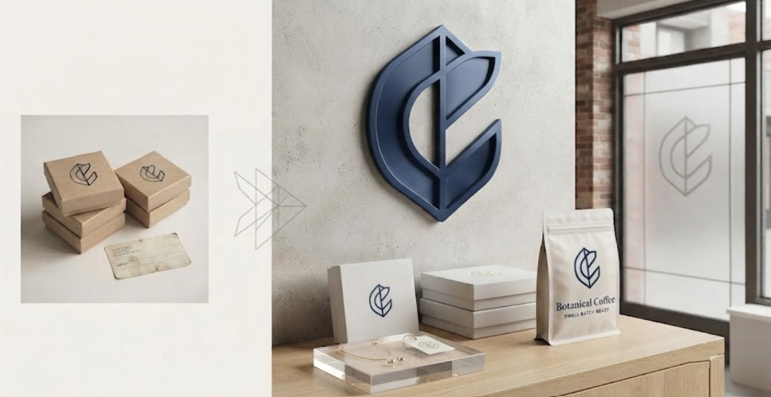
A logo that looks good on your website might need changes to work on the store signs or printed materials. Labels usually need sharper, higher-resolution files before they can go to print. Packaging has to be reworked to match your brand’s look and feel, and each new sign or display in the shop creates one more design project.
For small business owners, this part can get tough.
It starts to feel like every new item needs its own round of design work.
Re-hiring a designer for each logo tweak, label update, packaging change, or sign adds up quickly, especially when most of your budget is already going toward inventory and the cost of the space. That’s why automated design tools like Zawa AI have become a go-to for many independent sellers.
With Zawa AI, small business owners can create and revise branding materials as needed without bringing in a designer for every small job. It keeps expenses in check while helping the business look polished and consistent both online and in the store. Here’s how that plays out in real situations.
Why the Jump Feels Harder than It Should
When you sell online, you decide every visual your customer encounters — the main product photo, your shop banner, and a handful of lifestyle images. In a physical store, that number grows quickly.
A single product might now need:
- A logo that works small on a label and large on a sign
- Packaging that survives handling and still looks intentional
- Price tags or shelf cards that match the shop’s visual identity
- A storefront sign visible from the street or inside a shared retail space
- Business cards or thank you inserts for the checkout counter
Each of these used to live only in the seller’s head, since Etsy’s templates handled the visual heavy lifting. Now, the jump from Etsy to brick-and-mortar means the seller has to translate a mental image into printable files, and that’s where a lot of people get stuck.
Start With the “LOGO”
A logo sets the foundation for all your other branding, so it is always best to finalize it before moving on. Many sellers think they have to hire a designer right away, but there’s an easier option: use Zawa’s free logo generator.
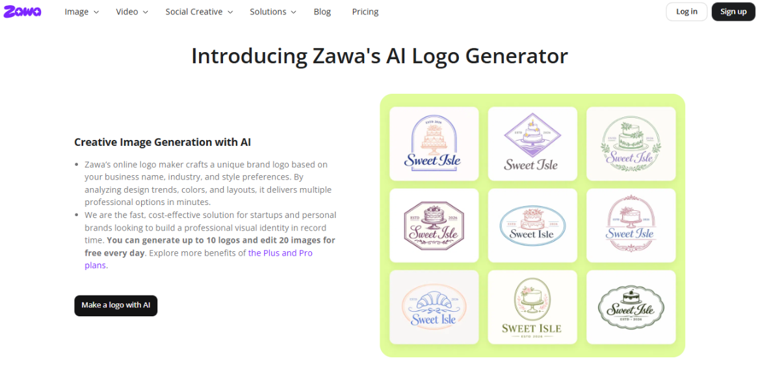
The process is straightforward.
Tell the tool about your business. Enter name, design, and style preferences. Then, it will generate several logo concepts in minutes.
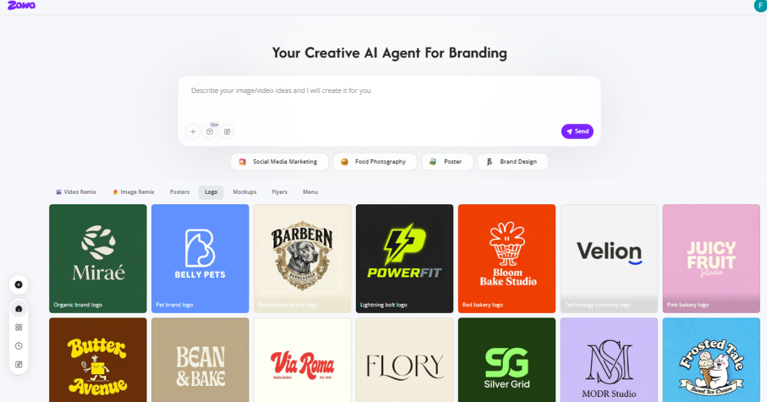
After that, you can refine the color palette, typography, and overall layout to make sure it suits your business.
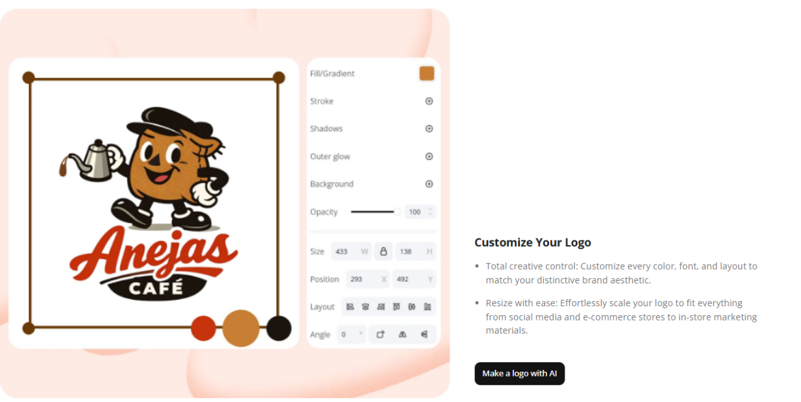
Having a logo you’re happy with matters most when it comes to the next steps. You’ll need to export it in the correct file types for signs, packaging, and print materials.
This is where new sellers often run into trouble. Saving the logo as a small file meant for websites usually leads to blurry results when it’s blown up for a storefront banner.
You can avoid common formatting problems by knowing which file types fit different situations. The table below breaks down the usual uses for each format and what to pay attention to.
| Format Needed | Where It’s Used | Common Resolution Issue |
| Web (PNG, small) | Website, social media | Looks fine on screens but becomes blurry when printed |
| Print (PDF, vector) | Signage, packaging, labels | Best choice for print because it stays sharp at any size |
| High-resolution raster (JPG/PNG, large) | Photo-based print jobs, banners | Needs the correct dimensions or it can become pixelated when enlarged |
That last row is where a lot of sellers lose time. An image or a logo, which is sharp on your mobile phone screen, can end up looking distorted when enlarged to the size of a three-foot sign.
This is exactly the gap a tool like Zawa’s 4k image converter is built to close.
Enhance Your Previous Product Images
Zawa’s Image Enhancer is an AI upscaling tool that takes your existing low-resolution images and rebuilds them at a much higher resolution. It isn’t just stretching the image and making the pixels bigger.
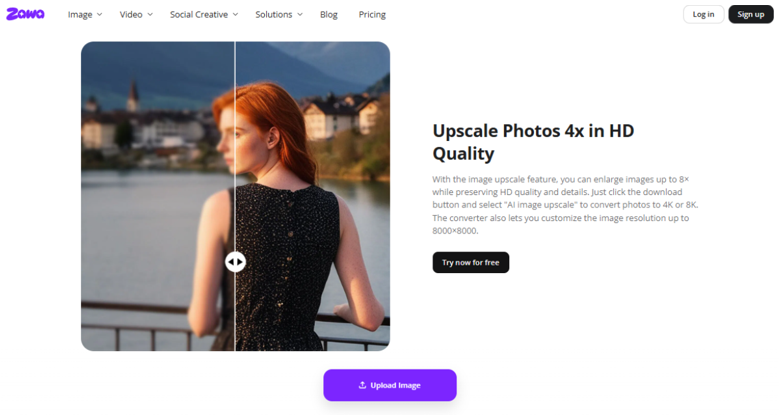
Instead of starting over, you upload the lower-resolution images you already have. Zawa’s enhancer uses AI upscaling to intelligently add details.
It analyzes edges, gradients, and text to rebuild the image at a higher resolution. The result is a clean file that holds up on large-format prints.
Here’s how sellers actually use it during the Etsy-to-store jump:
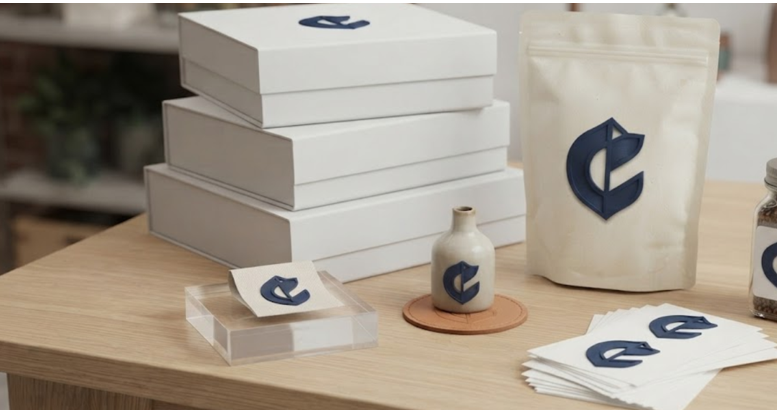
- Signage: Take the small PNG logo from your Etsy shop and upscale it to 4K or 8K. That gives your print shop a file sharp enough for a storefront sign, window vinyl, or A-frame sidewalk board without jagged edges.
- Labels & Packaging: Old product labels designed for 2-inch stickers often look soft when reprinted for 4-inch coffee bags or candle boxes. Run them through the enhancer to hit 300 DPI at the new size. Printers won’t reject the file, and your brand stays crisp on the shelf.
- In-Store Displays: Lifestyle photos that looked great on a listing can fall apart on a 24×36 poster. The enhancer rebuilds skin tones, fabric texture, and background detail so your hero image still feels premium when it’s hanging behind your register.
- Fixing Client Files: If your original logo designer only sent you JPGs, you’re not stuck. Enhancing gets you close to vector-level sharpness for print without chasing down source files.
The key detail is control to jump from Etsy to brick-and-mortar. You choose the output size up to 8000x8000px, so you can match your printer’s exact specs. You also avoid the back-and-forth of “can you send this bigger?” emails.
Upload, upscale, download, send to print. One task off your list.
Putting It Together Without Hiring Anyone
The overall process for a solo seller making this jump usually looks like this:
- Finalize your logo with Zawa’s Logo Generator.
- Test it at size. Mock it up on a sign or box in Zawa’s editor. If it looks soft, don’t guess.
- Run it through Image Enhancer before exporting. Select 4x or 8x upscale depending on how big the final print is.
- Export for print. Now you’ve got PDF, large PNG, or JPG files that won’t pixelate.
For most sellers, this one tool removes the biggest technical barrier to going brick-and-mortar. You keep creative control, skip the $200 “vectorize my logo” invoice, and make sure your brand looks as intentional in person as it did online.
The Etsy to retail jump of brick-and-mortar isn’t a reinvention of everything a seller has built. It’s an extension of the same visual instincts they’ve already developed, applied to new surfaces.
With a free logo tool for the brand identity and an image converter for anything that needs to scale up cleanly—a solo maker can produce a full suite of professional materials, logo, signage, labels, and packaging, without ever hiring a design team.
Find a Home-Based Business to Start-Up >>> Hundreds of Business Listings.