









































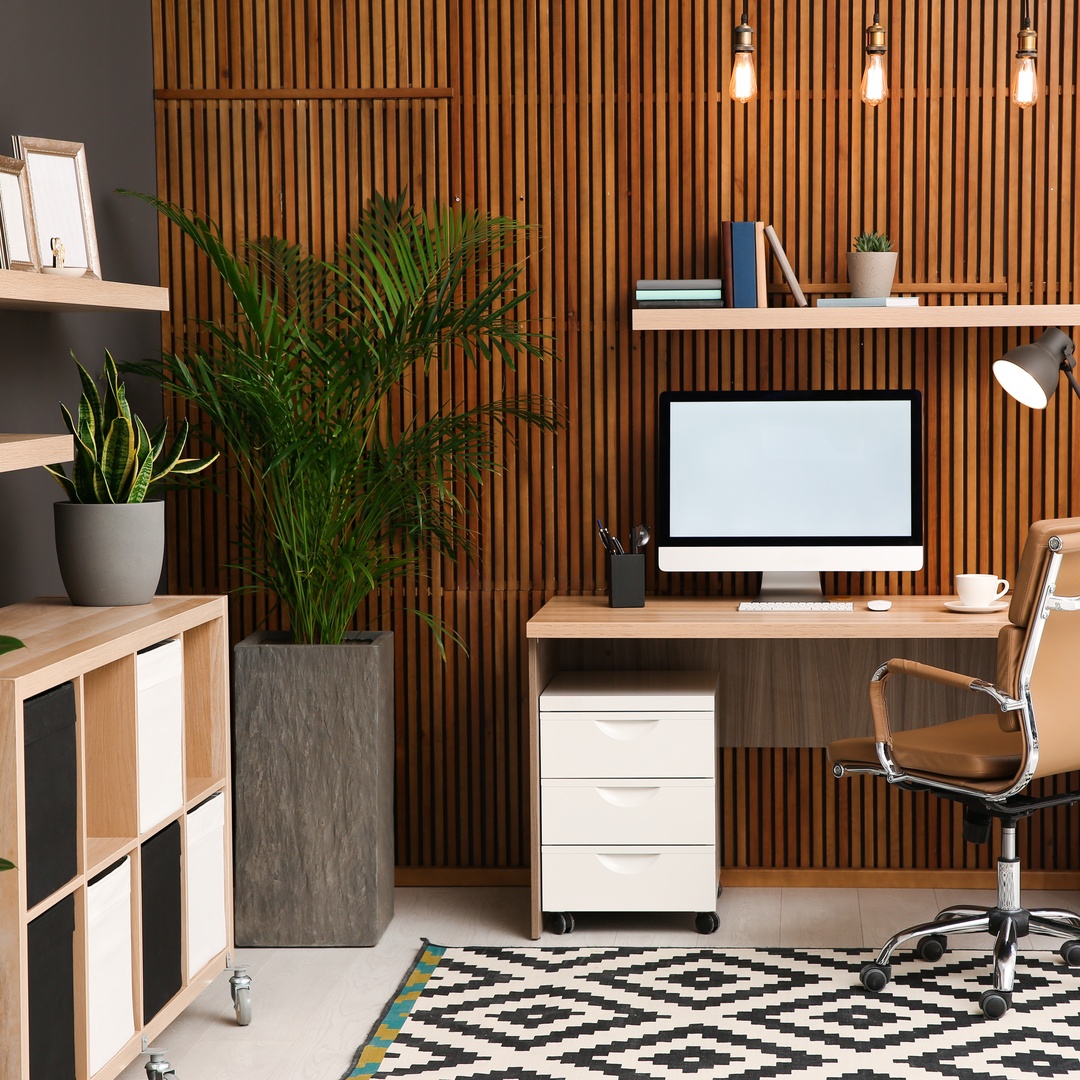
A side hustle can start anywhere, from a kitchen table to a corner desk. But as your business grows, your workspace may need to support more calls, projects, paperwork, and customer expectations. The top home office upgrades help entrepreneurs work with more focus as their business grows. Use these tips to make intentional and high-impact changes.
Claim a Dedicated Zone
A dedicated work zone helps separate business tasks from household distractions, making it easier to start and end the workday. It also gives supplies and equipment a consistent place to stay.
To build a workspace, choose the quietest area of your home. A spare room is ideal, but a low-traffic corner of a bedroom, den, or finished basement can also work if it allows you to leave your work materials in place. If the space has to be shared, create separation with a bookcase, a folding screen, or a curtain. You can also set clear household expectations for work hours so the shared room still functions as a dedicated business zone when needed.
Upgrade Your Desk
As your business expands, you may need more space for a monitor, a shipping scale, a planner, product samples, client files, or a second device. A larger, sturdier desk gives daily work a more stable foundation.
Choose a desk design based on your workflow. A service provider may need space for calls and documents, while an e-commerce seller may need a nearby packing surface. When the desk matches the work, fewer tasks spill onto the floor, couch, or dining table.
Improve Ergonomic Support
Ergonomics is the practice of arranging a workspace for more comfortable movement. The CDC’s guidance on office environments and safety notes that workers should be able to avoid overreaching, awkward postures, and prolonged sitting or standing.
For healthy work, you should:
- Use a chair that supports your lower back and allows your feet to rest flat on the floor or on a footrest.
- Position your monitor so you can look straight ahead without bending your neck up or down.
- Place your keyboard, mouse, phone, and daily supplies close enough that you do not have to stretch or twist repeatedly.
- Let your elbows rest comfortably at a 90-degree angle when typing or using your mouse.
- Stand, stretch, or walk briefly throughout the day to reduce stiffness from staying in one position too long.
Install Smarter Storage
Clutter is one of the clearest signs that a business has outgrown its original setup. As files, supplies, samples, and equipment multiply, open shelves and random bins become harder to manage. Thoughtful storage protects materials while keeping the office visually calm.
When designing built-in office cabinetry, look for unused wall space near the printer or main work area. Lower cabinets can hold paper, shipping materials, product samples, or bulky supplies. Upper cabinets are useful for items you need nearby but don’t want to leave sitting out all day. If the office shares space with another room, closed cabinetry can also help hide business materials after work hours.
Add Better Lighting
Lighting affects focus, video calls, product photos, and the overall feel of the office. A dim room can make work feel tiring, while harsh overhead light can create glare. Layered lighting gives business owners more control throughout the day. It can also improve how the workspace appears to clients, partners, or team members on camera.
Useful lighting upgrades include:
- a desk lamp for focused task work
- natural light balanced with blinds or curtains
- soft background lighting for evening work
Strengthen Tech Tools
Unreliable technology saps your momentum. Slow internet, weak audio, tangled cords, and outdated devices can make simple tasks feel harder than they should. Support smooth growth with dependable tech tools.
Improve Internet Reliability
If your connection drops often, consider upgrading your router or placing it closer to the office. A stronger internet setup can make video calls, online orders, file uploads, and client communication more dependable. A wired connection may also help if your work depends on stable meetings or large file transfers.
Upgrade Meeting Equipment
Clear audio and video matter when you speak with clients, vendors, or remote team members. An external microphone can make your voice easier to understand than a built-in laptop mic. A simple webcam upgrade may also improve your appearance on calls. These tools create a smoother meeting experience without requiring a full studio setup.
Organize Digital Backup
A growing business should not rely on one device to protect important files. Use a secure backup system for contracts, invoices, customer records, photos, and other essential documents. A dependable backup routine reduces the risk of losing work if a computer fails or a file is accidentally deleted. This could include an external drive, cloud storage, or both.
Create Client-Ready Backdrops
Many home-based entrepreneurs meet clients, vendors, or collaborators through video. What appears behind you can influence how organized and credible the business feels. A clean, intentional backdrop helps keep attention on the conversation.
This does not mean the office needs to look like a corporate boardroom. Use a bookshelf, simple wall art, plants, or closed storage to create a professional impression. Keep the area behind you clean and simple so you can join meetings without last-minute rearranging.
Organize Business Records
As a side hustle becomes a serious business, recordkeeping becomes harder to ignore. Receipts, invoices, contracts, passwords, licenses, and customer notes need dependable systems. Without them, important details can disappear.
To make business information easier to find and protect, you can:
- Use labeled digital folders, so invoices, contracts, client notes, and project files are organized by category, date, or customer name.
- Keep a small file cabinet for paper records that need to be stored physically.
- Use a secure password manager to store logins for business tools, financial platforms, email accounts, and customer management systems.
- Schedule a weekly admin review to file new documents and update records.
Conclusion
The right office setup can help a growing business operate with more consistency. The top home office upgrades should make your workspace easier to use and maintain. You can begin with one or two changes that address your biggest frustrations, then continue improving the office as your workload expands. For more practical business advice, browse Home Business Expo.
Image Credentials: New Africa License # 327616328
Find a Home-Based Business to Start-Up >>> Hundreds of Business Listings.