










































Video sells, but hiring a crew or mastering pro software drains a lean budget.
Today’s affordable AI video generators cut time and cost, letting home-based entrepreneurs turn a script into a polished clip before the coffee cools.
The shift is widespread: 86 percent of video-ad buyers already use—or plan to use—generative AI this year, and 58 percent of small businesses rely on AI, up from 40 percent last year.
This guide reviews seven platforms that cost $0–$30 a month so you can pick one, hit publish, and stay visible without overspending.
Why Video, Why AI, Why Now?
Video grabs attention faster than any other medium. Viewers scroll past plain text, but motion makes them pause.
For a small business, that pause can lift clicks and sales. A single product demo or how-to clip can beat a week of static posts, yet traditional production needed cameras, lighting, and long editing nights.
Generative AI changes the math. Feed a prompt or paste a script; the platform pairs voiceover, visuals, and motion in minutes. You pay pocket change instead of day rates.
Recent models raise the bar on quality. Entry-level tools now export crisp HD, sync multilingual voice to avatars, and animate still photos. The gap between a studio shoot and an AI render keeps shrinking.
Speed matters as much as savings. You can react to a trend the day it starts, update messaging on the fly, and test multiple hooks without reshoots. In social feeds, agile beats perfect.
Consumer video use keeps climbing. More screens, shorter attention spans, and algorithm-heavy platforms reward brands that ship frequent, snack-size videos. Those that stall fade quietly.
In short, affordable AI video turns a former luxury into a daily habit. It lets you produce, iterate, and learn at the pace of modern marketing, and no film degree is required.
How We Picked the List
A dozen flashy tools promise Hollywood in a click. We looked for options that let a scrappy business owner publish without draining the account.
First, we set a hard ceiling: each platform had to offer a genuine free tier or a starter plan under about $30 per month. If a paywall appeared before you could export a test video, the tool was out.
We then graded every contender on four factors:
- Cost: 40 percent of the score, because saving money matters most
- Features and flexibility: 25 percent, rewarding platforms with multiple capabilities
- Ease of use: 20 percent, based on setup time and user reviews
- Output quality: 15 percent, focused on resolution, voice realism, and polish
We reviewed more than fifteen services, ran the numbers, and named seven clear winners. Heavyweights such as Synthesia missed the cut on price alone, proving this list stays fiercely budget-first.
Budget AI Video Generators at a Glance
The table below lists the seven AI video generators that passed our price test. Use it as a quick reference to see which platforms offer free exports, what the first paid tier costs, and where each one excels.
| Tool | Free Tier | Starter Price | Stand-out Features | Best For |
| Leonardo AI (video generator) | Yes, credit-based, no card | Beta free | Image-to-video, multi-model styles, active creator community | Original social visuals |
| Fliki | 5 minutes each month | $8 | Text-to-video plus 900 voices in 75 languages | Blog-to-video repurposing |
| Pictory | 3 videos (trial) | $19 | Auto highlights from long text or video, captions | Content marketers |
| InVideo | 2 HD minutes each week | ~$15 | AI script-to-video, 16 million stock clips, rich templates | Ad builders |
| HeyGen | 1 minute (trial) | $30 | 100+ talking avatars, lip-sync, multilingual output | Spokesperson videos |
| Colossyan | 1 minute each month | $30 | Custom or built-in avatars, slide editor | Training snippets |
| Runway Gen-2 | 125 credits | $12 | Text-to-video clips, AI background removal | Experimental B-roll creators |
Need a free-forever option? Leonardo or Colossyan fit the bill. Looking for the lowest paid entry? Fliki offers that. Want daring visuals? Runway delivers.
The next sections break down how each platform works in real projects so you can choose with confidence.
1. Leonardo AI: Turn Images into Motion for Free
Leonardo AI’s video generator feels built for visual storytellers. Upload a photo—or create fresh art in the same dashboard—type a short prompt, and watch the picture move with camera pans, particle effects, or subtle character shifts.
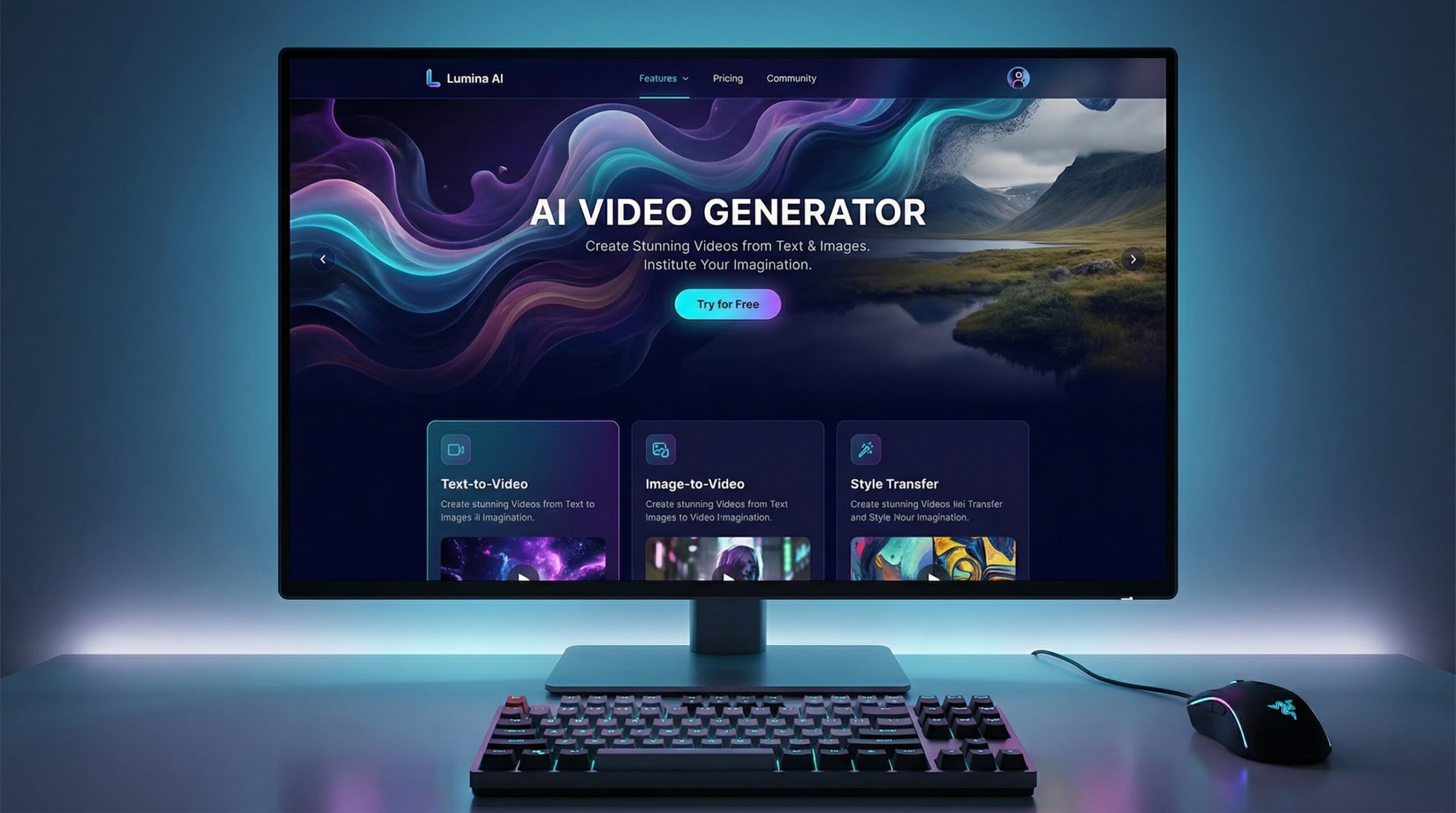
You begin with roughly 150 free credits each day and no credit-card gate, a perk most rivals skip. When credits run low, you top up instead of locking into a monthly fee, so cost scales with workload.
Quality exceeds the price point. Several AI models cover everything from watercolor scenes to photoreal cityscapes, and motion sliders let you set speed and direction. Early users praise the crisp 1080p export and watermark-free results during the open beta.
Because the platform also generates images, you stay in one workspace: create product stills, animate them, add text overlays, and post on social in a single session. The loop saves both clicks and cash.
Leonardo suits solo founders and artists who need unique B-roll and have a few minutes to experiment. Give it an afternoon, and your feed can look hand-drawn by a studio team—without the payroll.
2. Fliki: Turn Blogs into Video in Minutes
Fliki turns plain text into a share-ready video faster than you can reread your own post. Paste a paragraph, choose a voice, and the platform pairs stock visuals with captions to deliver a polished clip without timeline headaches.
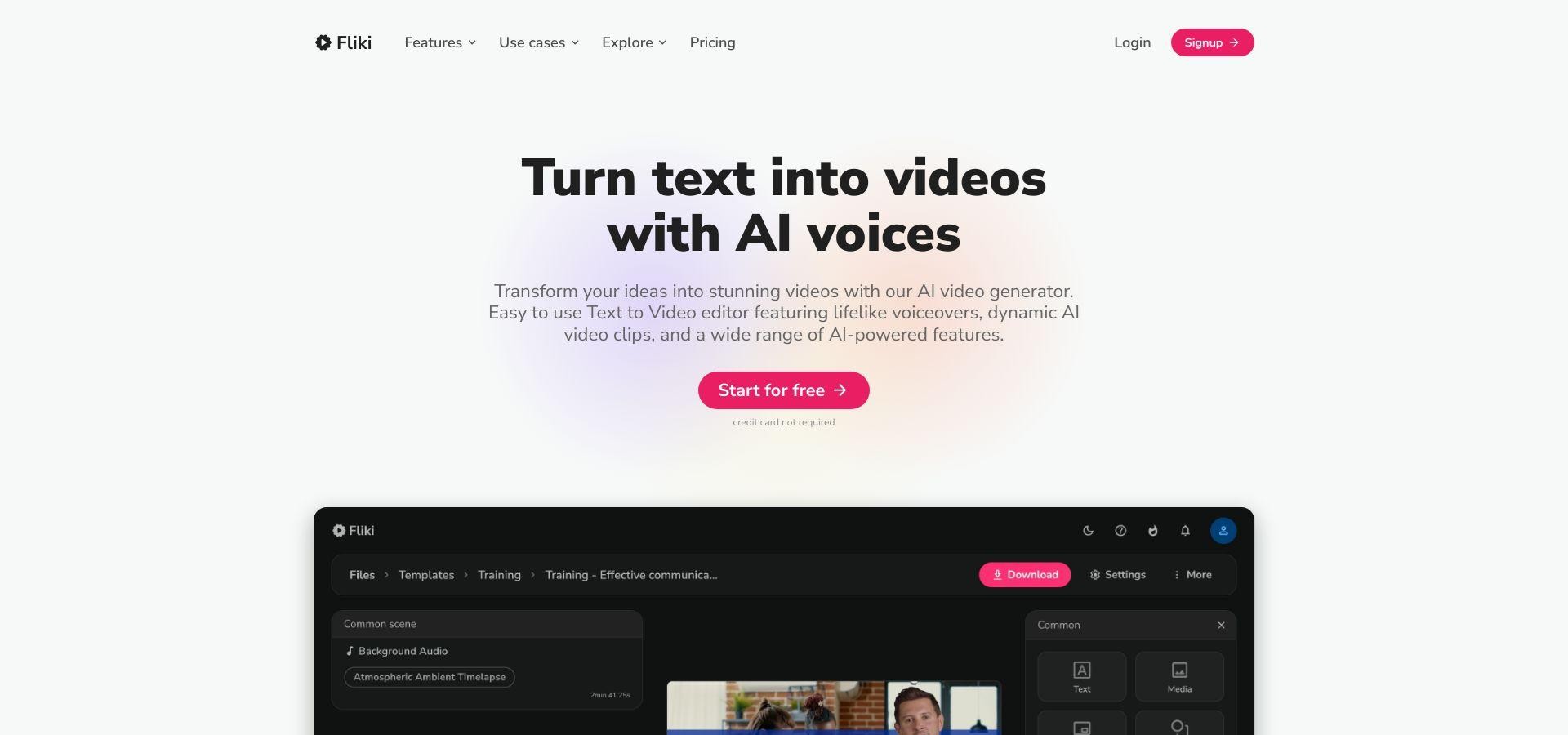
The starter plan costs eight dollars a month, and the free tier still gives you five export minutes. That covers weekly social shorts or a bite-size product teaser.
Voices are the standout feature. Fliki offers about 900 natural-sounding narrators across 75 languages, so your content speaks to every corner of your market without hiring voice talent.
Editing stays light. Swap a suggested scene photo, search the built-in stock library, or adjust sentence timing with a click.
If writing is your strong suit, Fliki doubles your output. Each blog becomes a video post, and each newsletter becomes a narrated reel—more channels, same effort, minimal spend.
3. Pictory: Repurpose Long-form Content on Autopilot
If your blog runs deep or your YouTube channel hosts marathon tutorials, Pictory turns that long-form gold into snack-size clips without manual slicing.
Drop in a URL, raw transcript, or full video file. The AI scans key moments, pulls punchy quotes, and builds a highlight reel with captions and royalty-free background music. What once took hours in a traditional editor now wraps before your coffee cools.
Costs stay friendly for lean teams. A three-video trial lets you test results, and the nineteen-dollar basic plan supports most weekly schedules. Cloud rendering removes the need for a heavy workstation, and exports reach 1080p.
Accuracy wins praise. Captions show few typos, and the summarizer often surfaces the moments that hook viewers; think step-by-step visuals, speaker sound bites, or dramatic before-and-after reveals.
Quick tweaks keep you in control. Swap a clip, change text style, or nudge scene order inside a drag-and-drop timeline that feels more Canva than Premiere.
One pillar post can spawn a LinkedIn teaser, an Instagram reel, and a Pinterest idea pin, multiplying reach while the original asset earns compound returns.
4. Invideo: Templates plus AI under One Roof
InVideo feels like Canva’s video-savvy cousin. Start with a prompt and its AI writes a short script, selects on-brand stock clips from a library of roughly 16 million assets, and assembles a storyboard you can tweak scene by scene.
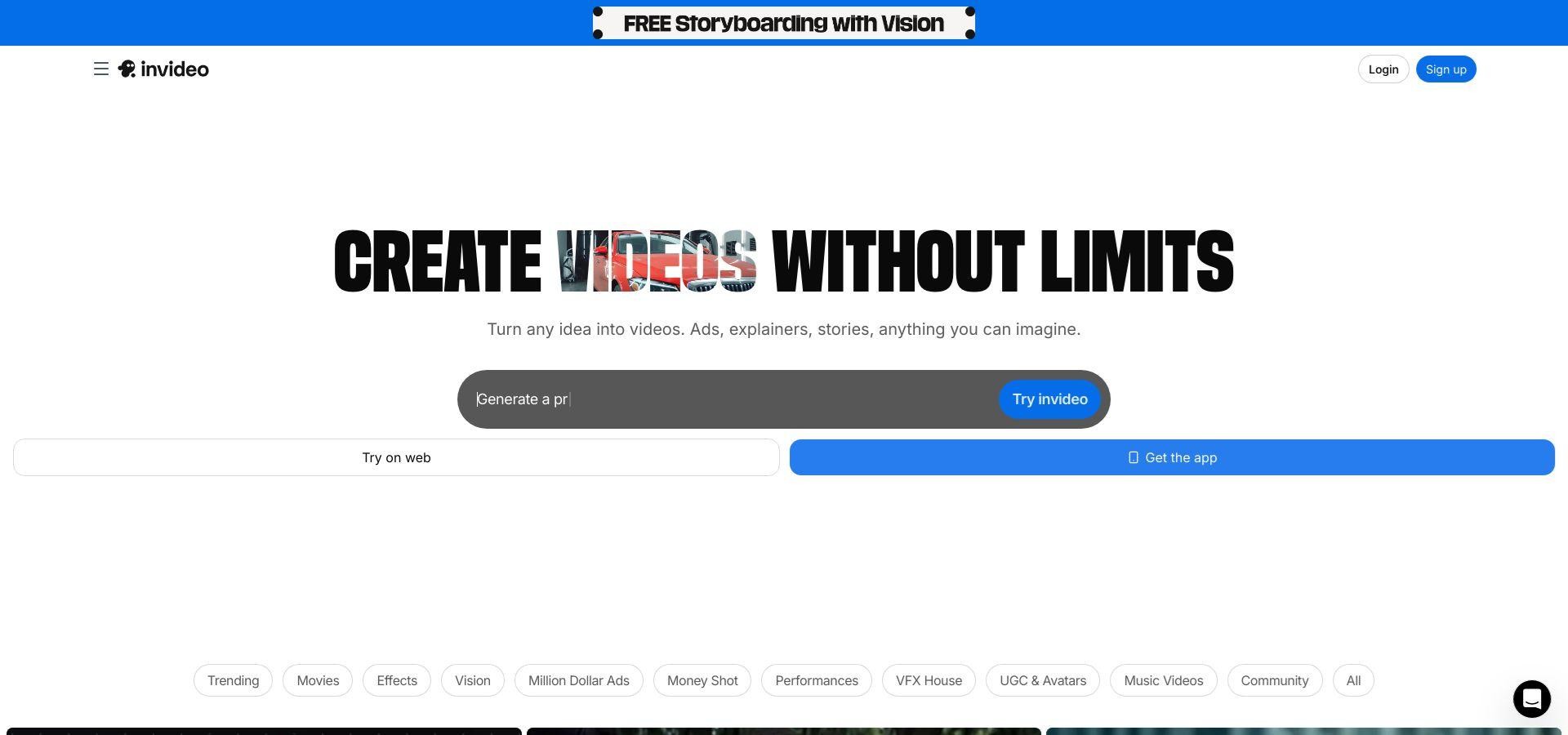
The free plan lets you export two watermark-tagged HD minutes each week. That is enough to test an idea or pitch a new ad. Upgrade for about fifteen dollars a month; watermarks disappear, credit limits rise, and advanced generative models unlock.
Flexibility is the draw. Stay in quick mode and accept the AI’s first draft, or open the full timeline to refine fonts, transitions, and color grades. The extra depth takes a short session to learn, yet gives you room to grow as creative needs expand.
If you handle product promos, reels, and explainers, InVideo offers one cockpit rather than a stack of niche apps. Invest in one interface and cover nearly every marketing format you will need.
5. Heygen: A Virtual Presenter on Standby
Need a friendly face without hiring talent? HeyGen lets you type a script and watch a photoreal avatar deliver it in your chosen language, accent, and tone. The result feels like a seasoned host recorded a custom take just for you.
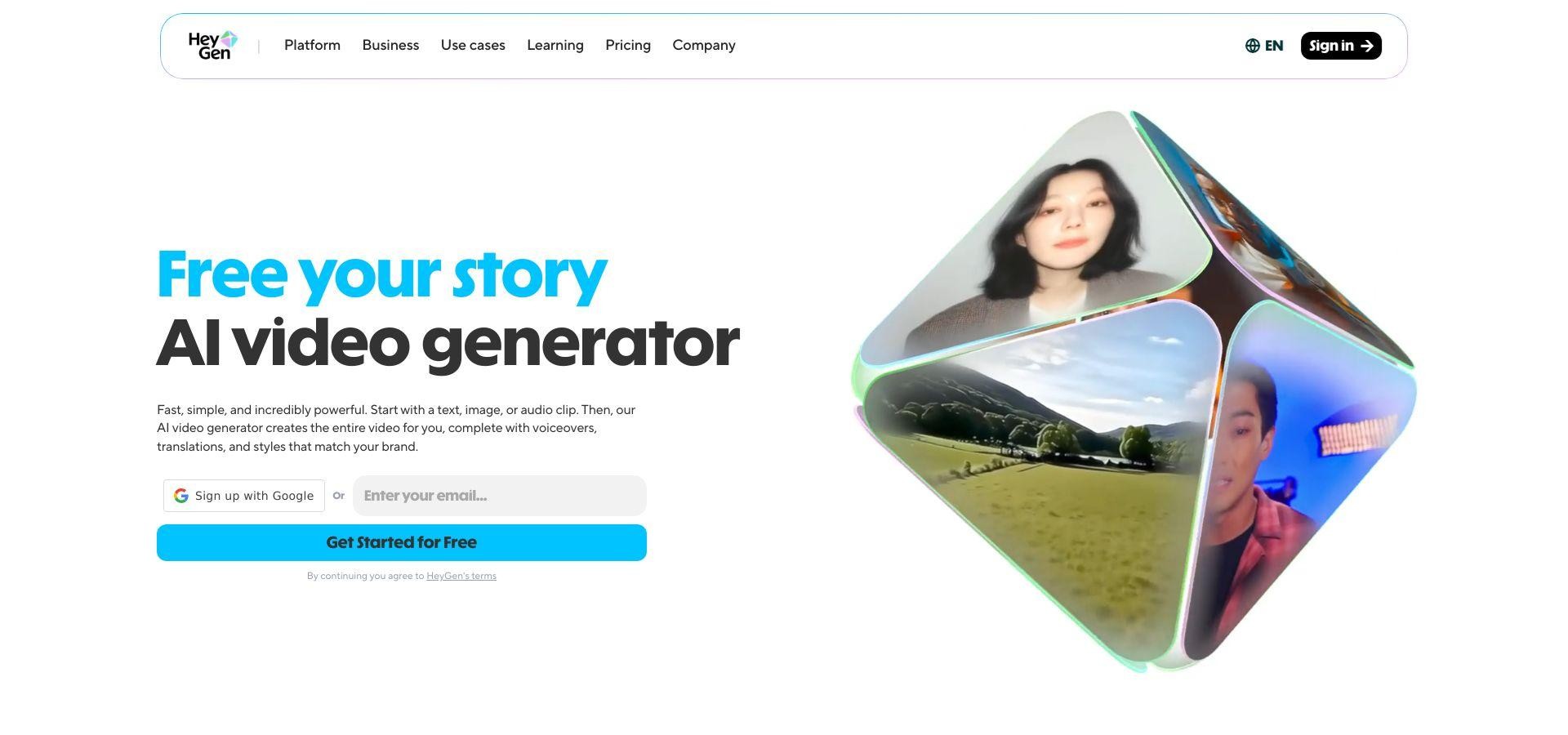
The free trial covers one minute of output. Paid plans start at about thirty dollars a month, and per-minute costs drop on higher tiers. When you compare that with a human spokesperson, studio time, and edits, the math favors HeyGen.
Lip-sync precision stands out. Recent model updates track subtle mouth moves and eyebrow lifts, removing the stiff look early avatar tools showed. Swap backgrounds, add on-screen text, or change presenters mid-video to keep energy high.
Use cases range from ecommerce walk-throughs to onboarding explainers. Create once, translate, and HeyGen re-voices the same avatar in more than forty languages. The library includes over one hundred avatar styles, giving global sellers plenty of options.
If you are camera-shy or pressed for time, HeyGen turns scripts into polished, human-grade videos while you focus on the next task.
6. Colossyan Creator: Avatar Videos on a True Shoestring
Colossyan’s hook is simple: you receive one free, watermark-free minute of avatar video each month. That allowance covers a monthly promo, quick FAQ, or personal thank-you clip, and it never expires.

The interface is lighter than HeyGen. Select an avatar, paste your script, choose a language, and Colossyan renders a talking-head scene in roughly two minutes. Slide-based editing lets you chain scenes, change backgrounds, and add branded text without wrestling a complex timeline.
Avatars look slightly less lifelike than HeyGen’s most advanced models yet remain professional for training, internal communication, or social explainers. Upgrade to the thirty-dollar starter plan to unlock ten HD minutes a month, custom brand colors, and access to about forty avatar styles in more than sixty languages.
Accessibility is the standout. Test an avatar concept, gather feedback, and decide whether long-form synthetic presenters fit your brand before spending a dollar. For lean startups and side-hustlers, the risk-free entry removes budget anxiety.
7. Runway Gen-2: Experimental Visuals for Bold Brands
Runway’s Gen-2 model lets you type “neon skyline time-lapse” and render a four-second clip that looks ready for a sci-fi trailer. It excels at eye-catching B-roll, music-video layers, or TikTok hooks that feel unmistakably original.
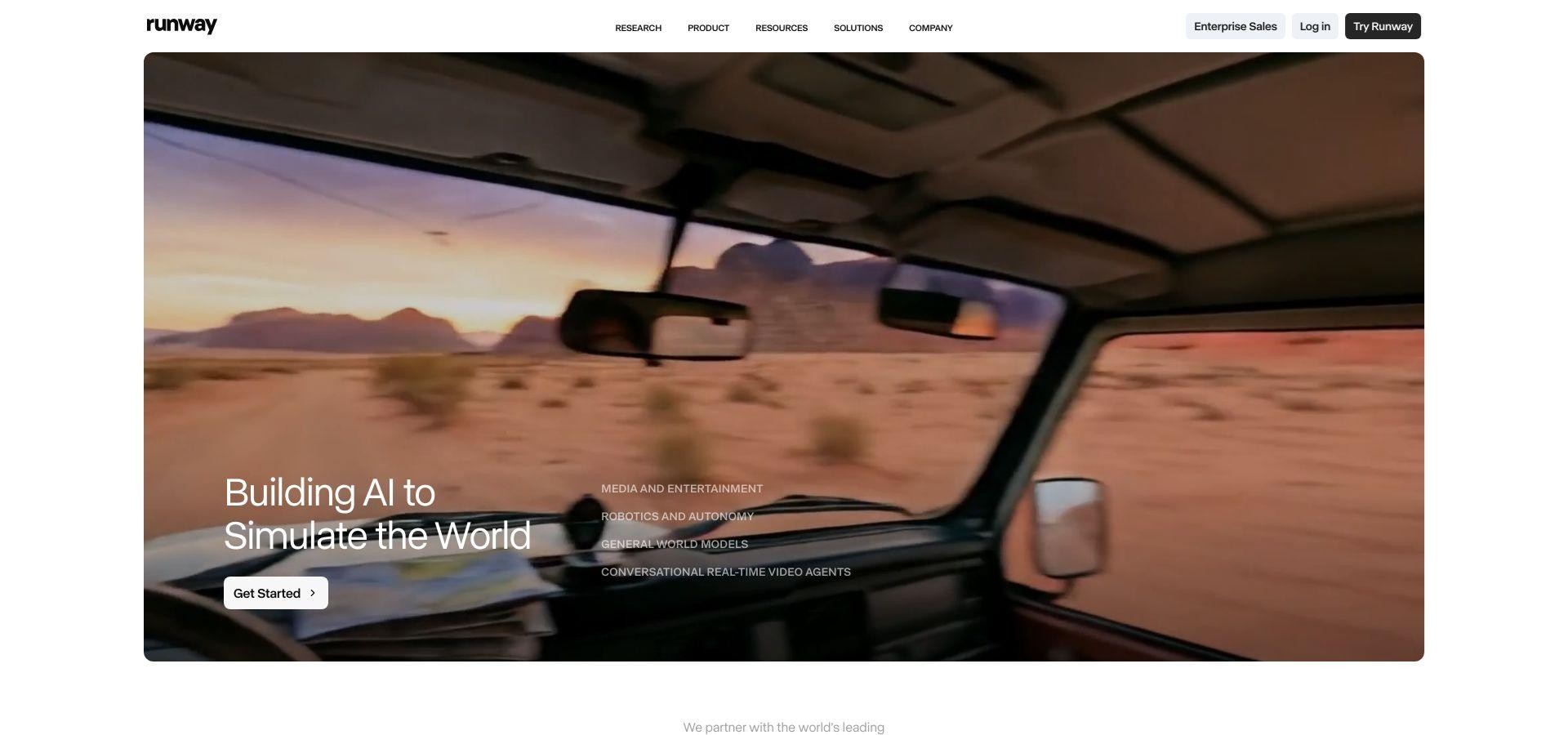
The free tier supplies about 125 credits, enough for a dozen low-resolution clips. A twelve-dollar monthly plan unlocks longer runtimes, 1080p export, and faster queues, still far cheaper than custom motion graphics.
Beyond text-to-video, Runway removes backgrounds, replaces objects, and paints new elements frame by frame. Think of it as a browser-based effects studio on standby.
Output quality varies. Some generations look flawless, while others warp or blur. The trick is to iterate quickly, keep the gems, and layer them behind live footage or text in your primary editor.
If your brand thrives on visual experimentation and wants assets nobody else has, Runway earns a spot in the toolkit. It will not replace your core editor, but it will spice your creative mix with clips viewers have not scrolled past a thousand times.
Honorable Mentions: Great Tools That Missed on Price
You may see names like Synthesia, Adobe Firefly, or open-source text-to-video projects in creator forums. They impress yet fall outside our low-startup-cost promise.
- Synthesia offers polished corporate avatars, but the entry plan runs about thirty dollars a month and requires annual billing, which can strain side-hustle budgets.
- Adobe’s Firefly video model remains in beta and is expected to land inside a Creative Cloud subscription that starts near sixty dollars a month, sensible only if you already subscribe.
- Open-source options such as ModelScope or Pika Labs Community Edition charge zero for the code, yet you still need a high-spec GPU or paid cloud server, which raises cost and complexity.
If your budget expands later, revisit these contenders. For now, the seven picks above provide professional results without premium fees.
Conclusion
Affordable AI video generators have leveled the playing field for small businesses and entrepreneurs, making professional-quality video content accessible without breaking the bank. From turning blogs into videos with Fliki to creating virtual presenters using HeyGen or experimenting with bold visuals in Runway Gen-2, these tools allow you to produce, iterate, and publish content quickly.
For anyone exploring a business home opportunity, integrating AI video into your workflow offers multiple advantages: increased engagement, faster content production, and a polished brand presence—even with minimal startup costs. By choosing the right platform for your needs, you can turn creativity into tangible growth while keeping overhead low, making video marketing a realistic and impactful part of your home-based business strategy.
Frequently Asked Questions
Are AI-made videos polished enough for customer-facing content? Yes. Advertisers, agencies, and streaming platforms already slip generative clips into campaigns seen by millions. For most marketing, training, or social tasks, videos from today’s budget tools look professional on a phone screen, where most viewers watch.
Will the free plans add watermarks? Usually. InVideo stamps its logo, and Colossyan brands free exports. Leonardo’s current beta and Runway’s low-resolution clips export clean. If you plan to run paid ads, set aside a small upgrade fee to remove marks.
How long does it take to learn these AI video generator platforms? Most users create a first draft in under 30 minutes. Fliki and Pictory feel like filling out a form. InVideo and Runway offer deeper controls; give yourself an afternoon to explore templates and shortcuts, and you will move quickly thereafter.
Is using an AI avatar legal and ethical? Yes, provided you own the script and do not impersonate real people without consent. New disclosure rules may soon ask brands to label synthetic presenters, so include a brief note in your video description to stay transparent.
Find a Home-Based Business to Start-Up >>> Hundreds of Business Listings.